

Товар
О товаре
BrighterAccessibility
Overview
Compatible with Distant Horizons
BrighterAccessibility is a custom shader designed to enhance visibility for visually impaired players by making the world brighter. This shader aims to improve accessibility.
Installation
- Download the
BrighterAccessibility.zipfile from the link provided. - Extract the contents into your Minecraft shaderpacks folder.
- Launch Minecraft and select the BrighterAccessibility shader from the iris shaders menu.
Usage
Once installed, the shader will automatically adjust the brightness levels, making dark areas easier to see for visually impaired players. Enjoy a more accessible Minecraft
This shader is intended solely for accessibility purposes. It should not be used to gain gameplay advantages. If you have any concerns or feedback, please reach out to me.
Screenshots
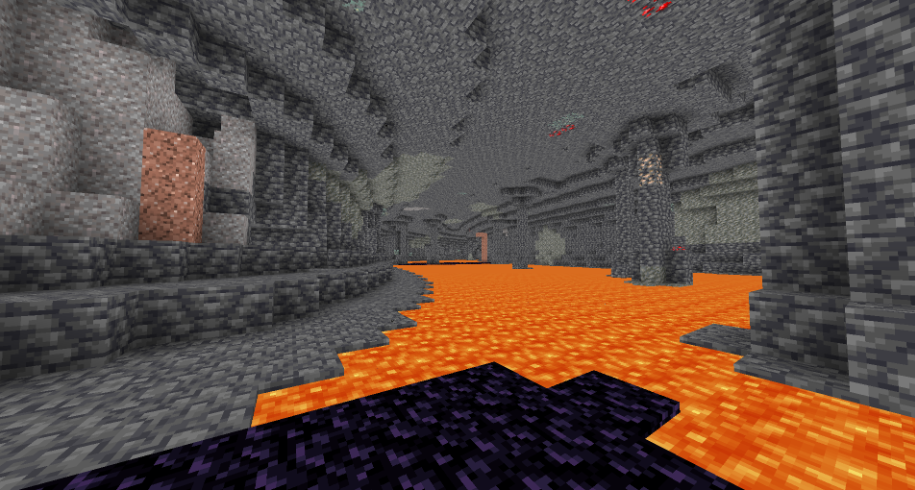
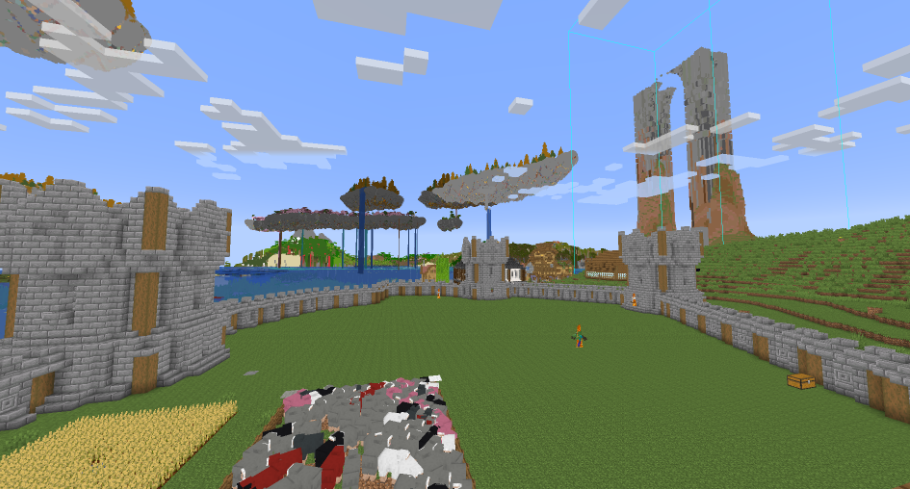
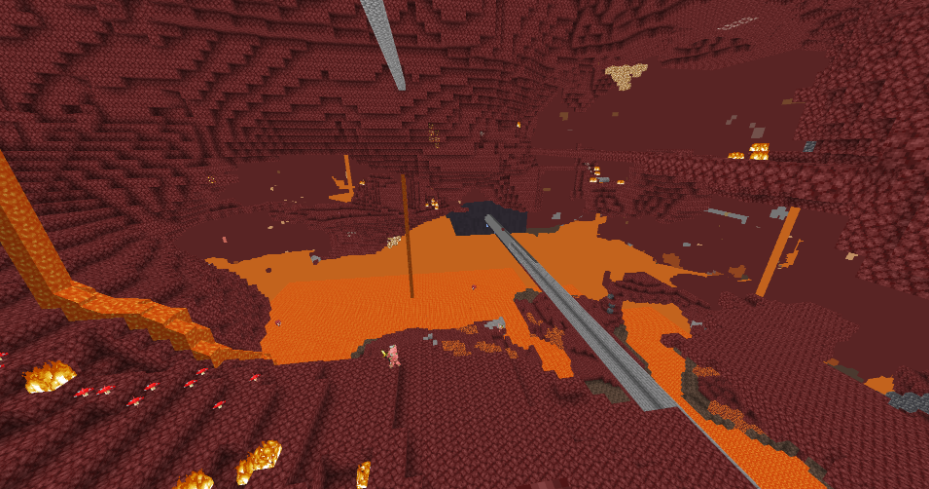
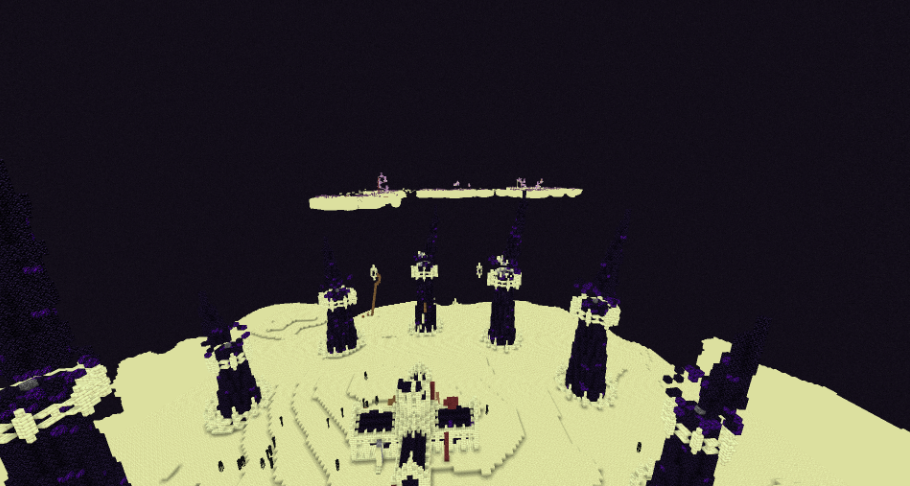
Превью
Изображения товара
Окружение
Требования и совместимость
Совместимость и требования
Iris1.0 – 1.11.2.1 – 1.2.51.3.1 – 1.3.21.4.2 – 1.4.71.5.1 – 1.5.21.6.1 – 1.6.41.7.2 – 1.21.41.7.3
Локальный хост
Required
Хостинг на сервисах
Unsupported
Условия
Лицензия
Условия использования, изменения и распространения этого товара.
MIT LicenseModrinth
Релиз
Последний релиз
v1.0
13.07.2024 · Modrinth
Currently no known version that it doesnt work in.
(didn't test all game versions report if it doesnt work in any version)
Галерея
Изображения проекта
Скриншоты и изображения из оригинальной страницы Modrinth.
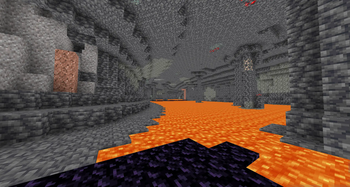
caves
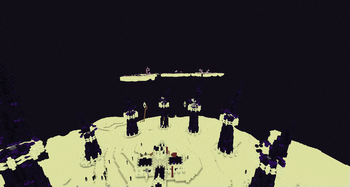
End
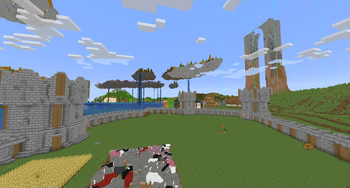
overworld
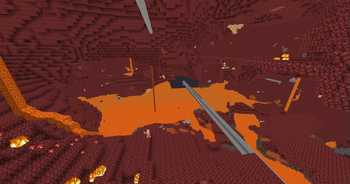
nether
История
Версии проекта
Опубликованные версии и оригинальные файлы Modrinth.
v1.0ПоследняяRelease
13.07.2024 · 73 523 загрузки
Iris1.01.11.2.11.2.21.2.31.2.41.2.51.3.1
Currently no known version that it doesnt work in.
(didn't test all game versions report if it doesnt work in any version)
Листайте товары колесом или стрелками