

Товар
О товаре
Shaders for Minecraft, with no FPS loss!
New Shading System
- For Sodium Compatibility (Currently only available in versions 1.21.11-1.21.5), this Resource Pack requires Sodium Core Shader Support Mod
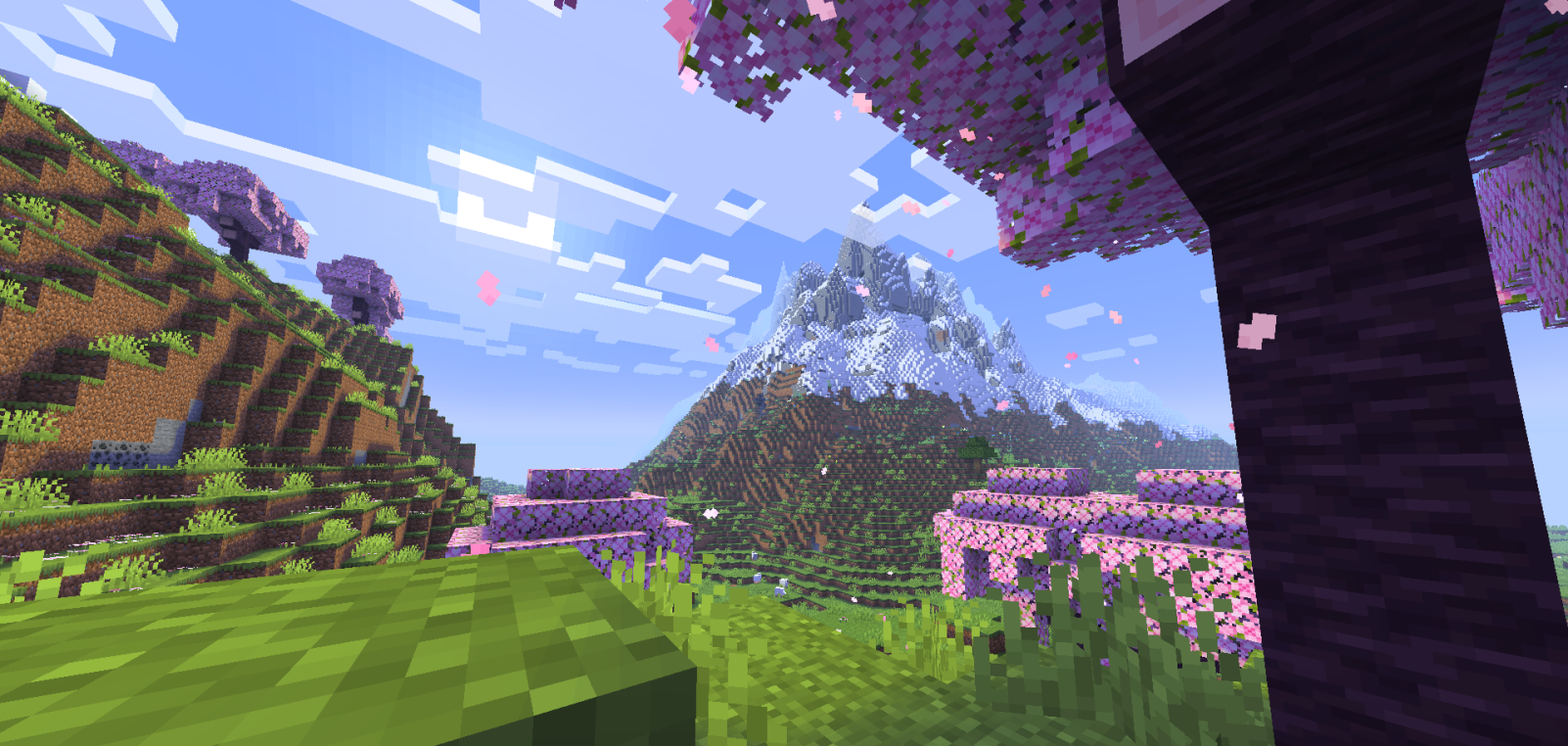
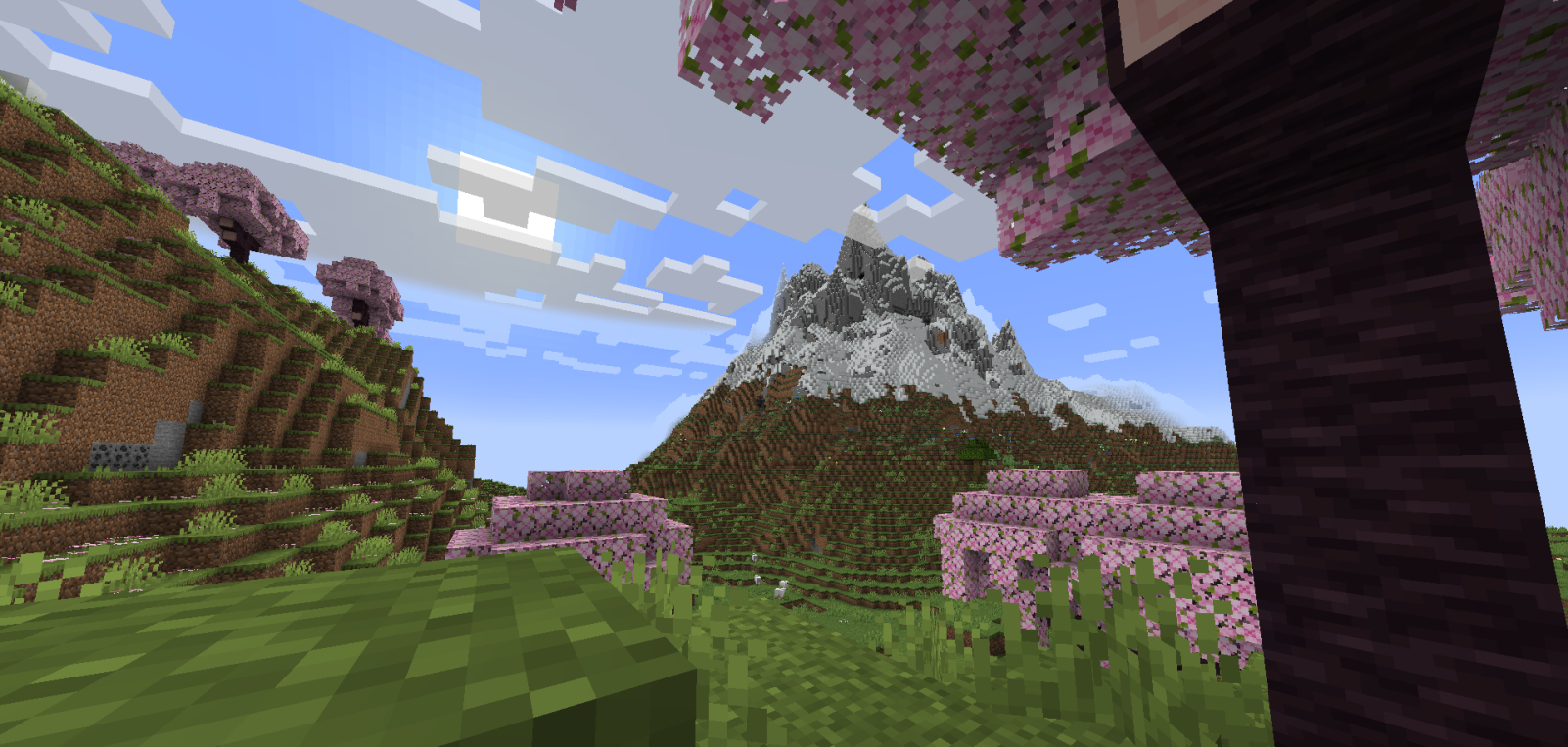
This Resource Pack gives the game a very similar experience to Optifine or Iris Shaders, drawing shadows over blocks in strategic and well-used ways.
Support me on Ko-Fi! (Donations)
-
It causes no FPS loss, which is a good choice for people who want to enjoy Shaders without compromising their PC's performance.
-
It's also good for users who prefer Shaders that enhance the game's vanilla aesthetic without looking too exaggerated.
-
The lighting balance is very well balanced; the cave lighting is very playable, and the sunlit areas don't look too bright, giving the Shader a pleasant visual stability.
-
This Resource Pack works based on Core Shaders (terrain.fsh, entity.fsh, fog.glsl, etc.), which allows you to add basic Shaders or Utilities to Minecraft.
-
Thank you very much for supporting this project. If it receives support, I'll make many more and improve this one.
-DR7
Превью
Изображения товара
Окружение
Требования и совместимость
Совместимость и требования
MinecraftVanilla1.20.5 – 1.21.1126.126.1.126.1.226.2
Локальный хост
Required
Хостинг на сервисах
Unsupported
Условия
Лицензия
Условия использования, изменения и распространения этого товара.
LicenseRef-All-Rights-ReservedModrinth
Релиз
Последний релиз
v1.4.2
04.04.2026 · Modrinth
SSAO Implemented
This new graphics setting adds more shadows to the edges of blocks in the game, giving ReShaded a more realistic and professional look. This is just a (very) small preview of the next big ReShaded update; I'm still working very hard on it ^^
You can activate this new option with the Fabulous graphics settings or by enabling the "Improved Transparency" graphics setting in Minecraft.
Галерея
Изображения проекта
Скриншоты и изображения из оригинальной страницы Modrinth.
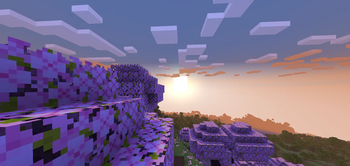
Improved Sunsets
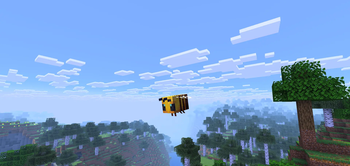
1.20.5-1.21.10 Compatibility!
![[1.3] Sodium Compatibility!](https://cdn.modrinth.com/data/Gdq9dXUk/images/3c49149f43d895286ef5db1586e56ec233f493b1_350.webp)
[1.3] Sodium Compatibility!
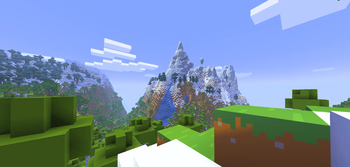
Bare Bones Compatibility

ReShaded 2.0 Preview
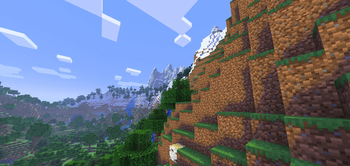
Biomes Showcase
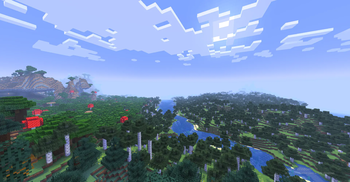
Better Visual Effects!
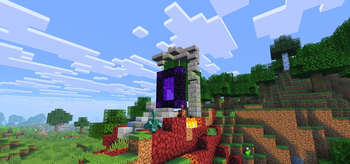
1.4 Showcase
История
Версии проекта
Опубликованные версии и оригинальные файлы Modrinth.
v1.4.2ПоследняяRelease
04.04.2026 · 77 944 загрузки
Minecraft26.126.1.126.1.226.2
SSAO Implemented
This new graphics setting adds more shadows to the edges of blocks in the game, giving ReShaded a more realistic and professional look. This is just a (very) small preview of the next big ReShaded update; I'm still working very hard on it ^^
You can activate this new option with the Fabulous graphics settings or by enabling the "Improved Transparency" graphics setting in Minecraft.
v1.4.1Release
08.02.2026 · 126 007 загрузки
Minecraft1.21.11
v1.4Release
31.12.2025 · 41 836 загрузки
Minecraft1.21.11
[v.1.4] More Sodium & Vanilla Compatibility!

- COMPATIBILITY CHANGES:
- Sodium compatibility has been expanded to include more versions.
- The resource pack has been updated to version 1.21.11, tentatively compatible with future versions.
- VISUAL CHANGES:
- Darker shadows
- Adjusted color saturation/vibration system
- Added brightness detection on very bright blocks
- Added brightness detection on medium and dark bright blocks
- Increased brightness on medium bright blocks
- Increased brightness on dark blocks
- Decreased brightness on bright blocks
- Improved shadow color
- Gradual block brightness detection per pixel (this will facilitate more complex effects such as reflections or simulated PBR)
- Improved and stabilized fog in newer versions
- New face shading system (Sodium only), this system adds more directional and realistic shading to ReShaded
- MANY visual bugs fixed (excessive brightness on certain blocks)
- QUALITY OF LIFE CHANGES:
- Added ReShaded visual configuration system, currently only available by modifying basic settings such as brightness, sun brightness, saturation, and contrast in the terrain.fsh, terrain.vsh, and entity.fsh files in the folder assets/minecraft/shaders/core
v1.4Release
10.12.2025 · 50 963 загрузки
Minecraft1.21.61.21.71.21.81.21.91.21.10
v1.3Release
19.10.2025 · 49 562 загрузки
Minecraft1.21.21.21.31.21.41.21.5
[v.1.3] Sodium Compatibility is here!!!
- Sodium compatibility has been added in 1.21.2-1.21.5, it will be available for more versions VERY soon (1.20.5-1.21.10)
- Requires a mod called Sodium Core Shader Support to enable Sodium compatibility
- Numerous slight color changes have been implemented: Color saturation decreased and changed by a new Color Vibrance system, shadow color for both day and night modified, being more natural and noticeable at night.
- Fog modified and free of visual bugs, as well as more subtle color and density.
v1.2Release
13.10.2025 · 8 387 загрузки
Minecraft1.21.21.21.31.21.41.21.5
v1.2Release
13.10.2025 · 48 956 загрузки
Minecraft1.20.51.20.61.211.21.1
v1.2Release
13.10.2025 · 45 183 загрузки
Minecraft1.21.61.21.71.21.81.21.91.21.10
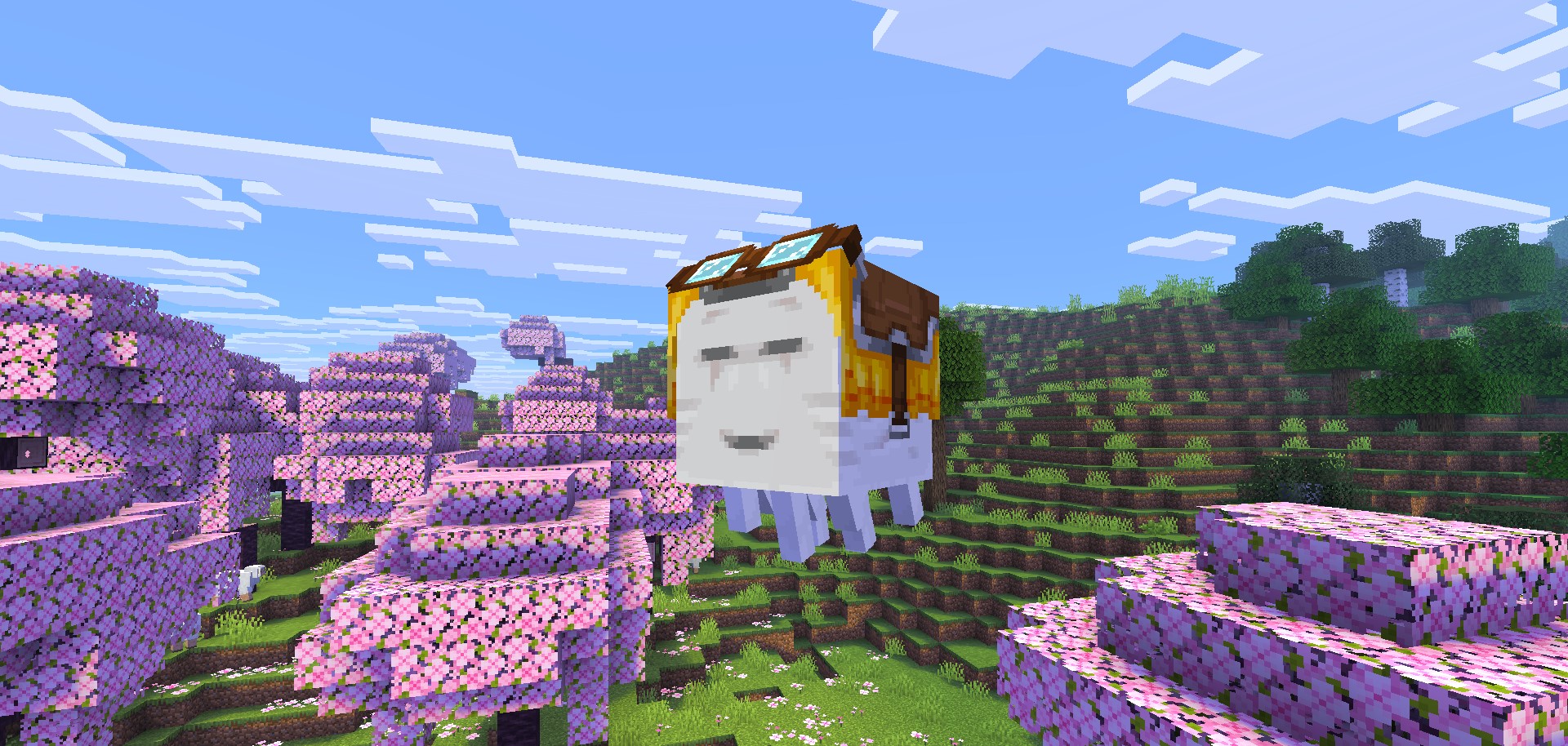
[v.1.2]: Compatibility with 1.20.5-1.21.10
-Compatibility with Vanilla, Optifine, Lithium and other mods (i´m still developing on Sodium Compatibility) from 1.20.5-1.21.10, even in the latest snapshots!
-Fixed fog in 1.21.6+
-Custom Lightmap Removed
v1.1Release
02.10.2025 · 5 605 загрузки
Minecraft1.21.21.21.31.21.41.21.5
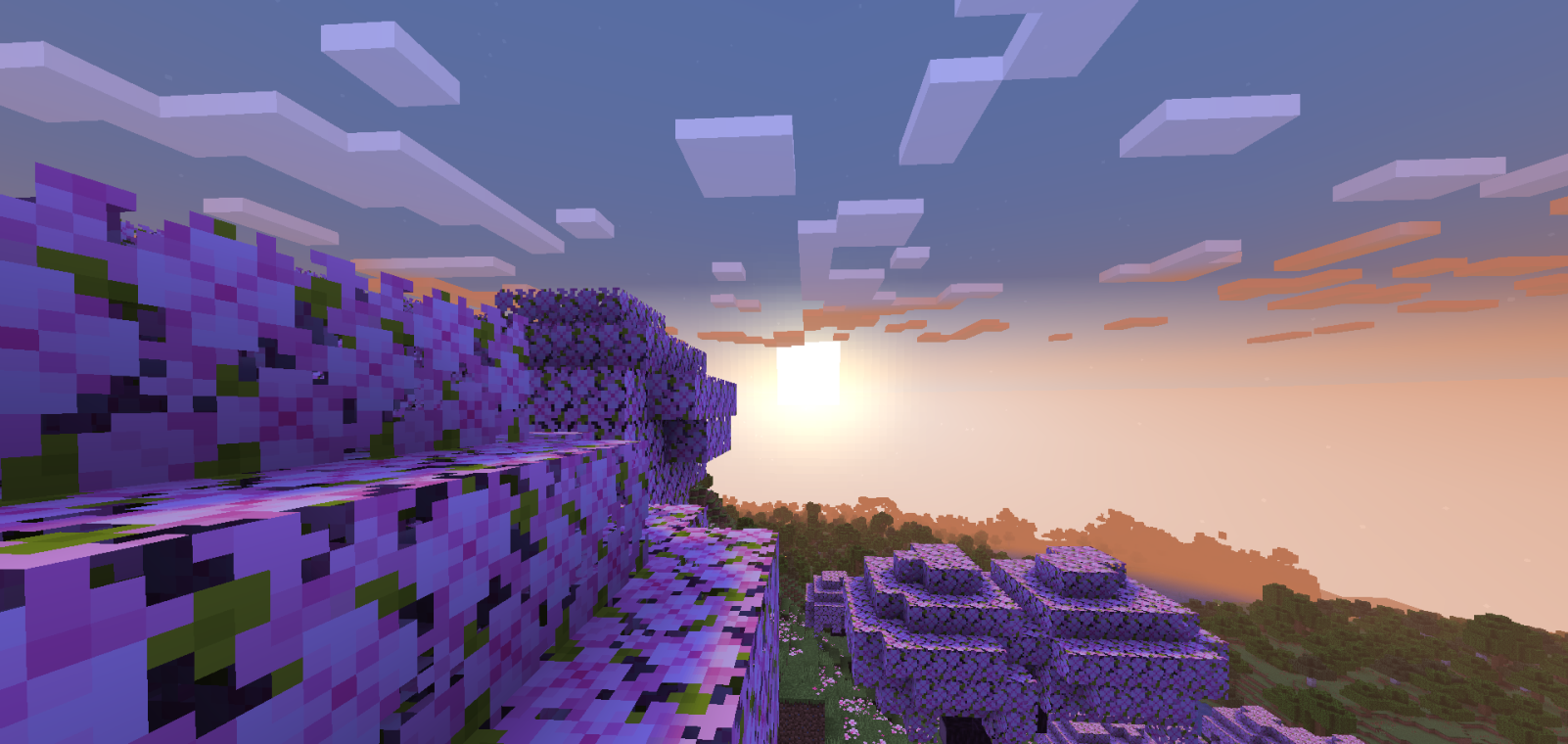
# [v.1.1] Better Visual Effects!
-Improved fog (Render Distance and new Volumetric Fog)
-Improved shade colors & saturation
-Re-Shaded clouds and particles
-Improved Sunsets
v1.0Release
13.09.2025 · 11 834 загрузки
MinecraftVanilla1.21.21.21.31.21.41.21.5
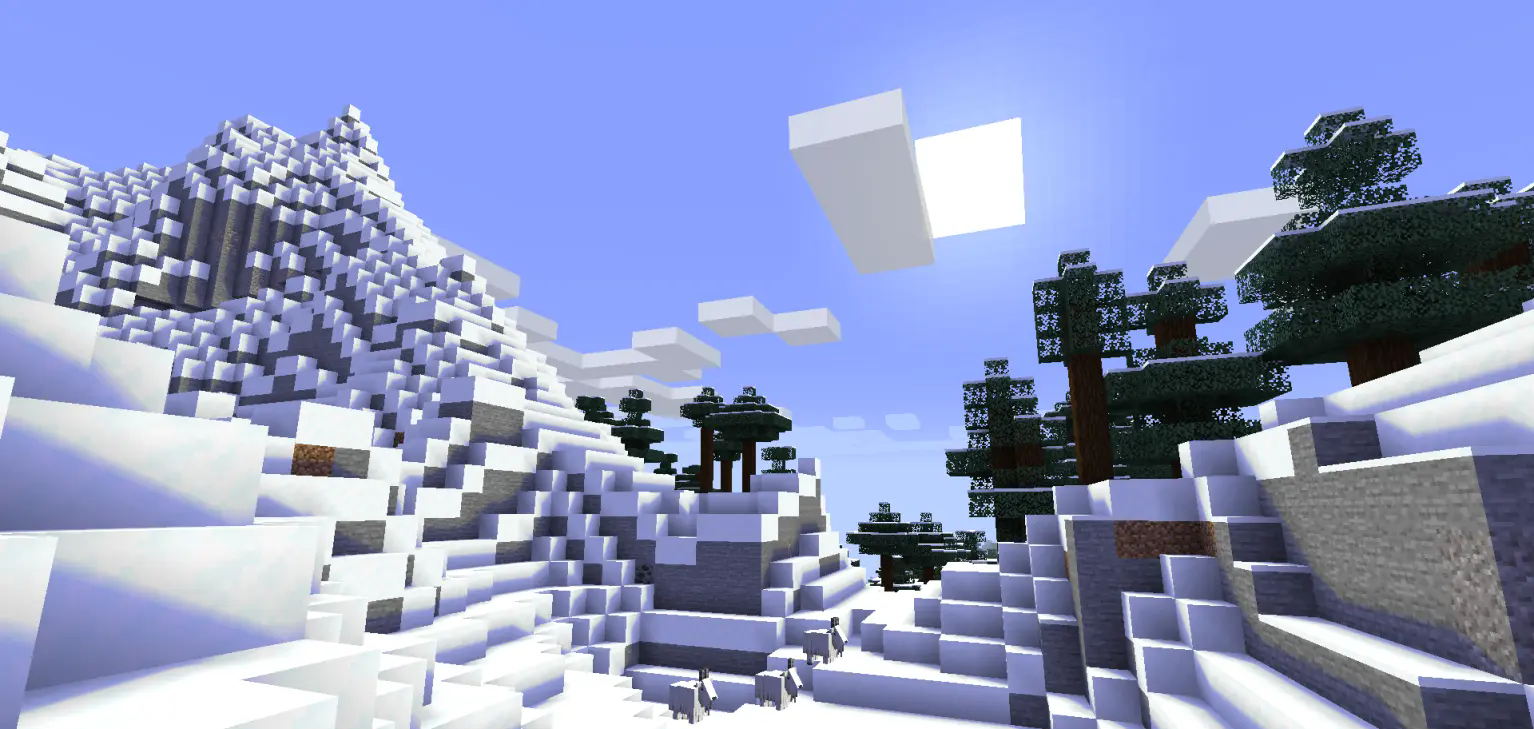 If the project is supported, support for Sodium and more versions of the game will most likely be added ☑️.
Листайте товары колесом или стрелками