

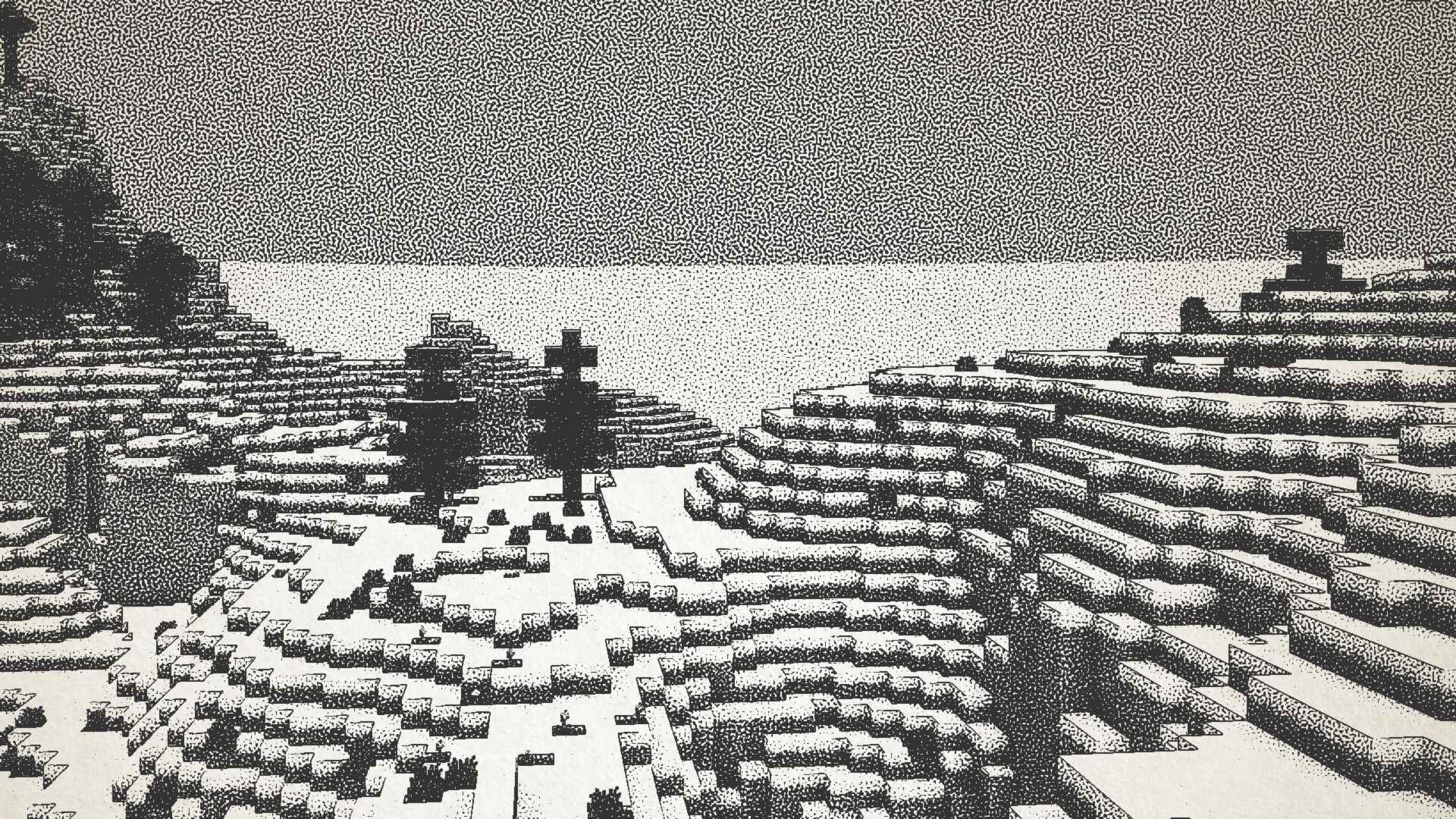
Visualizes Minecraft as if it was printed with ink!
Product
About
Ink Shader tries to visualise Minecraft as if it was printed with ink!
Current features include:
- Color Customisation
- Blur Effect
- Stippling
- Edge Detection
- and more!
This shader was heavily inspired on Acerolas video and uses the paper asset that he uses
I mostly tested on Iris 1.21, other versions might not work. If you find any bugs or incompatibilities, you can always report them, it helps me and others out :D
Installation
- First you need to install either OptiFine or the Iris mod to be able to load shaderpacks. (Choose Iris if you are unsure)
- Then you need to launch the game, and get to the Shaderpacks/Shaders menu in Video Settings.
- Open the shaderpacks folder by clicking the button in the menu.
- Download the Ink Shader and put it in the shaderpacks folder.
- Get back in the game, and choose Ink_Shader in the shaderpacks menu. (Refresh the menu if it doesn't appear)
Preview
Product images
Environment
Requirements & compatibility
Compatibility & requirements
IrisOptifine1.16 – 1.21.4
Local host
Required
Hosting on services
Unsupported
Terms
License
Terms for using, modifying and redistributing this product.
GNU Lesser General Public License v3.0 onlyModrinth
Release
Latest release
v1.1
22.05.2025 · Modrinth
Fixed bug #1 where composite.fsh: composite.fsh: ERROR: 0:117: '!=' does not operate on 'vec4' and 'float'
Gallery
Project images
Screenshots and images from the original Modrinth page.
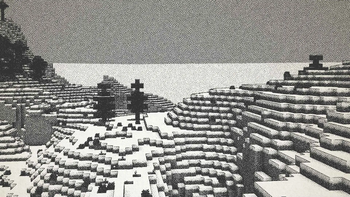
Snowy Landscape
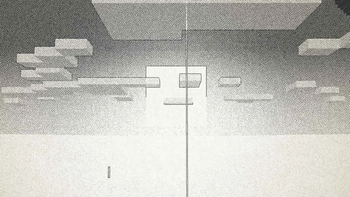
Sunset
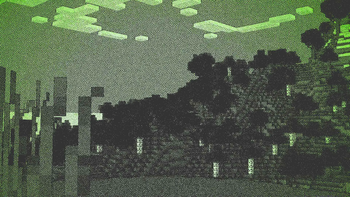
Green Tinted Forest
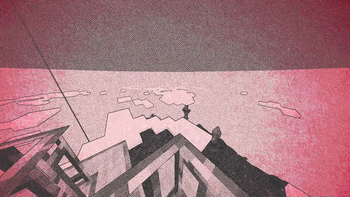
Red Tinted Sky
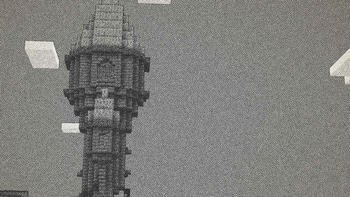
Tower
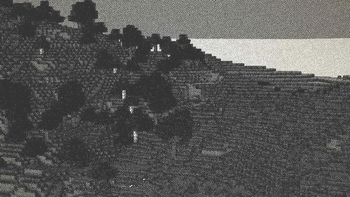
Forest on a Mountain
History
Project versions
Published versions and original Modrinth files.
v1.1LatestRelease
22.05.2025 · 8 104 downloads
IrisOptifine1.161.16.11.16.21.16.31.16.41.16.51.171.17.1
Fixed bug #1 where composite.fsh: composite.fsh: ERROR: 0:117: '!=' does not operate on 'vec4' and 'float'
v1.0Release
28.12.2024 · 9 238 downloads
Iris1.171.17.11.181.18.11.18.21.191.19.11.19.2
First release of the Ink Shader
It hasnt been tested on optifine nor >1.17 versions, expect it to not work
Added:
- Ink shading
- Colors
- Scale
- Blur
- and much more!
Scroll products with the wheel or arrows